Dinosaur Game Online🦖Dino Dash
Jump the cacti, duck the birds.
About Dino Dash
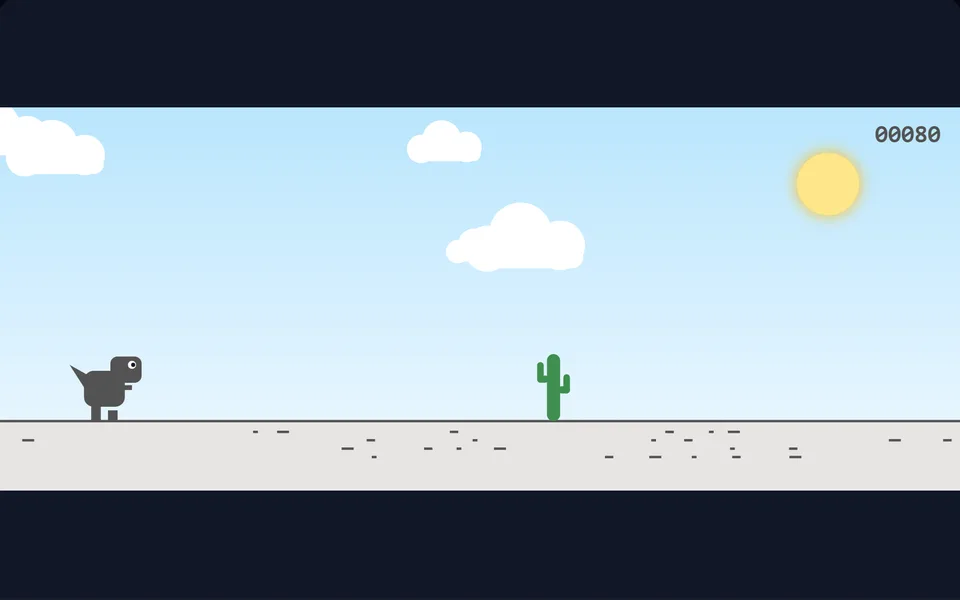
The offline-runner classic reimagined with day-night cycles and increasing speed. Jump over cacti, duck under pterodactyls and chase a new high score.
Controls
- ▸Space / Up / tap to jump
- ▸Down or the B button to duck
- ▸P or Esc to pause
- Difficulty
- ★★★★★
- Session
- ~2 min
- Plays
- 0
- Time played
- 0 min
How to play Dino Dash
Your dinosaur runs on its own. Press Space, the up arrow or tap to jump over cacti, and hold the down arrow to duck. The run starts slowly and keeps speeding up the further you go. Your score is the distance you cover, and the counter flashes each time you pass another 100.
Cacti come in clumps of up to three small ones or two large ones. Once your score passes 150, pterodactyls join in. Low ones skim the ground and have to be jumped, while high ones can be ducked under. One hit ends the run. Every 700 points the scene switches between day and night, so the colours change while you play.
Tips
- ▸Hold down while you are in the air to drop faster. It gets you back on the ground sooner, ready for the next obstacle.
- ▸You can only jump from the ground, so a press in mid-air does nothing. Wait until you land before you press again.
- ▸Pterodactyls fly faster than the ground scrolls, so they reach you sooner than you expect.
- ▸Duck under high pterodactyls instead of jumping, because a jump can carry you straight into them.
Dino Dash FAQ
- How do you duck in Dino Dash?
- Hold the down arrow or S. On a phone or tablet, hold the B button. If you hold down while in the air, the dinosaur falls faster instead.
- When do the flying dinosaurs appear?
- Pterodactyls start showing up once your score passes 150. Before that you only have cacti to deal with.
- Does the game get faster?
- Yes. The speed rises steadily as you run, up to a top speed, and the obstacles keep coming at the same pace relative to it.