Minesweeper Online Free💣Minesweeper
Logic under pressure.
About Minesweeper
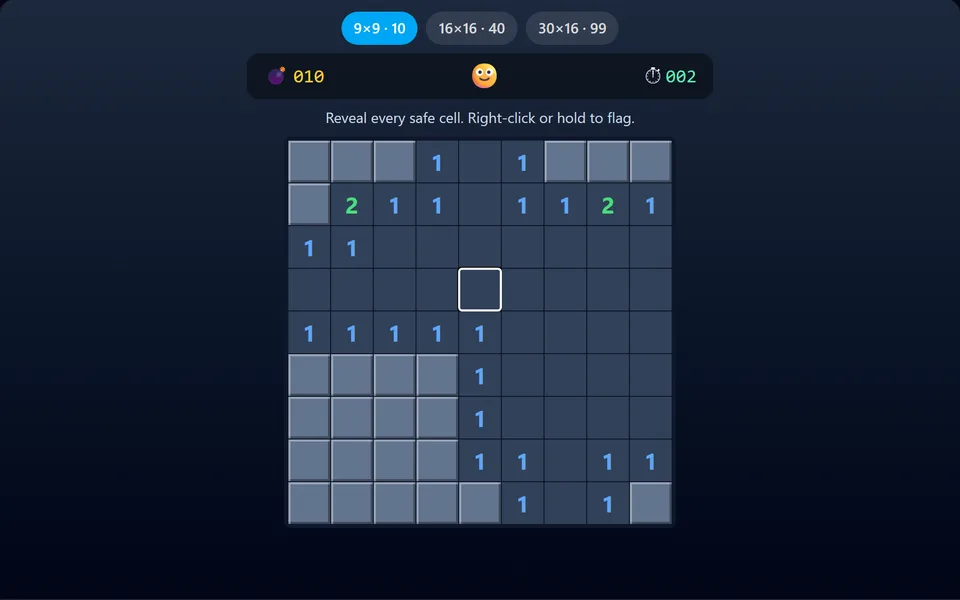
Uncover the grid without detonating a mine. The numbers tell you how many mines touch each square. Flag suspects, use logic, and beat your best time on three difficulties.
Controls
- ▸Click to reveal
- ▸Right-click or long-press to flag
- ▸Click a number to chord
- ▸P or Esc to pause
- Difficulty
- ★★★★★
- Session
- ~5 min
- Plays
- 0
- Time played
- 0 min
How to play Minesweeper
Click a square to reveal it. A number shows how many mines touch that square, diagonals included, and a blank square opens up the empty area around it. Your first click is always safe and never next to a mine. Right-click, or long-press on a touchscreen, to flag a square you think hides a mine.
You win by revealing every safe square; you don't need to flag every mine. Hit a mine and the game is over. The timer starts with your first click, and the counter shows mines minus flags. Click a number that already has enough flags around it to chord and open its other neighbours at once. Click the smiley to start again.
Tips
- ▸Start with the 1s. If a 1 touches only one hidden square, that square is a mine.
- ▸Learn the 1-2-1 pattern: along a straight edge, the squares beside the 1s are mines and the one beside the 2 is safe.
- ▸Chord to save time, but only when you're sure of your flags. With a wrong flag, a chord sets off a mine.
Minesweeper FAQ
- Is the first click always safe in Minesweeper?
- Yes. Mines are placed after your first click, never on that square or the eight around it.
- How do I flag a mine on a phone?
- Press and hold a square for about half a second. A normal tap reveals it.
- What does clicking a number do?
- It chords: if the number has that many flags around it, all its other hidden neighbours are revealed at once.
- What board sizes are there?
- Three: 9x9 with 10 mines, 16x16 with 40 and 30x16 with 99.